TYANA
Food & wellbeing, designed for women

Counting calories.
Staying active.
Still not seeing
your progress?

Whether you want to lose weight, gain weight or understand your body, TYANA helps you see what you've eaten — and what to consider next.

9:41▰ ▰
TYANA

Good morning, Sara

Today
401of 1,717 kcal
Protein13.2 g
Fat4.23 g
Carbs79.45 g
For your weight-loss goal

A balanced dinner
for your goal.

For dinner, include fish, tofu or beans with vegetables and your usual grain portion. This adds variety while keeping your calorie plan in view.

Interactive preview · example data
One body. One connected picture.

Your day is more
than a calorie count.

Start with your meals. See how your goal, movement and personal context can belong in the same picture.

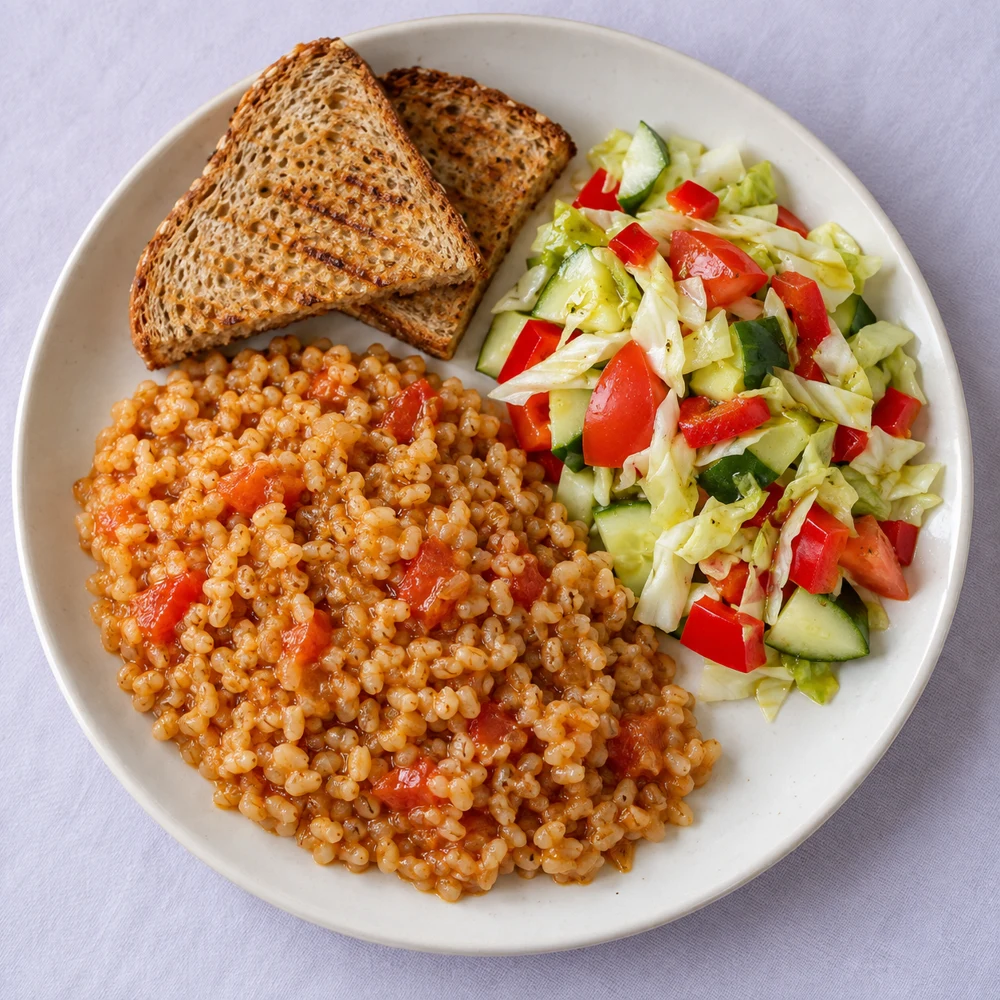
A real-looking plate of toast, porridge and vegetable salad

A meal becomes
something useful.
What are you
working towards?

Your goal gives the numbers a purpose. Photograph a meal, check the foods and portions, then see it on Today with nutritional totals and an explained suggestion.

Lose weightGain weightUnderstand my body

The current beta focuses on the meal journey. Photo estimates are editable; a known weight is always more useful than a guess.

You move.
Your picture changes.

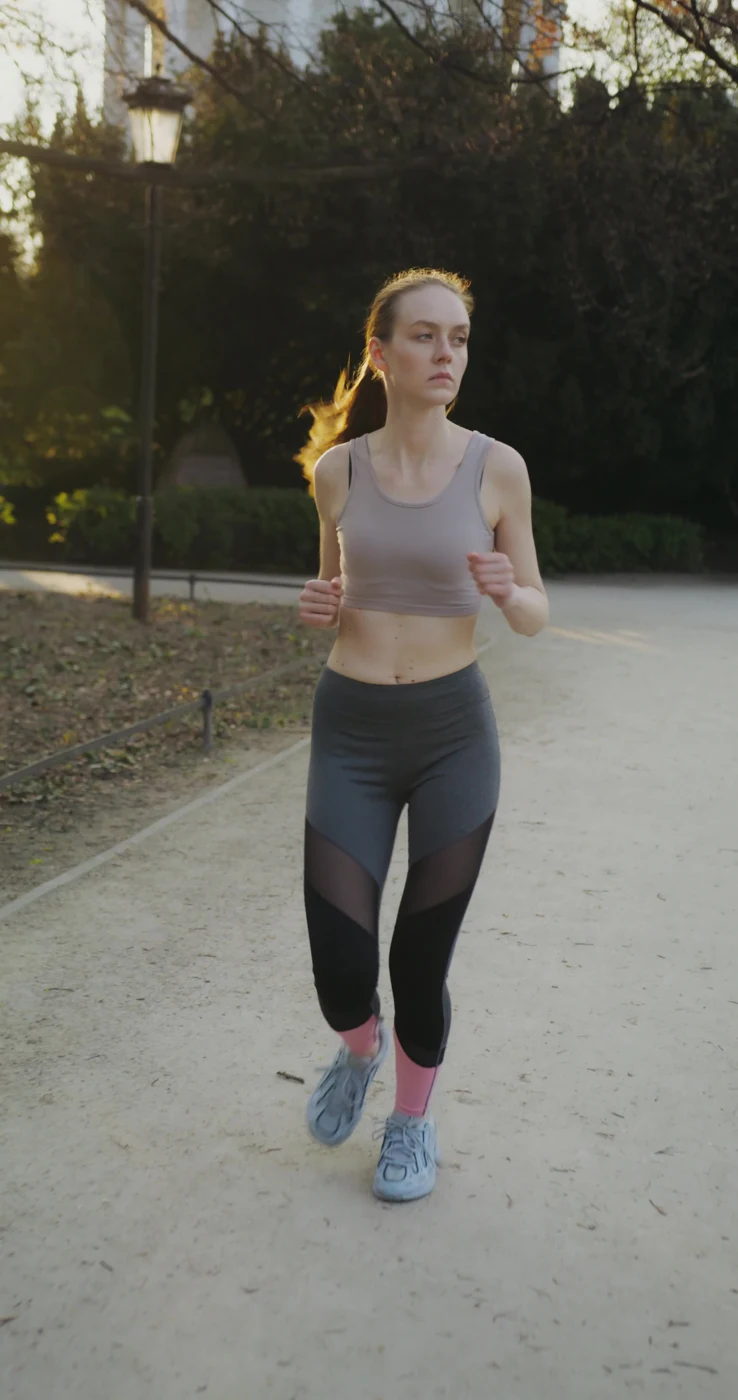
A workout, a walk, a quieter day. Logging movement helps you keep those habits alongside your meals instead of treating each number as a separate task.

You can explore activity logging in the beta. Automatic watch and health-data connections are planned; they are not demonstrated here.

Last night belongs
in today, too.

We want sleep context to help explain the day you are having — alongside food and movement, rather than another dashboard to interpret.

Sleep connections and contextual guidance are a planned part of TYANA, not a live capability shown in this walkthrough.

Your body.
Your boundaries.

Cycle context should be optional, clearly explained and easy to control. Share only what helps you, with a clear reason for how it will be used.

This is a future product direction. This page collects no cycle or health data and makes no medical predictions.

Start with your next meal

Understand your nutrition.
Make it work for you.

Try the early beta and tell us where TYANA helps — and where it needs to be clearer.

Open test beta

A few things worth knowing.

Who is TYANA for?

TYANA is being built for women who want to lose weight, gain weight or understand their body and daily habits. The early beta focuses on logging meals, reviewing portions and seeing nutritional totals with explained guidance. This page shows an interactive example, not a live personal analysis.

What happens after I photograph a meal?

The app identifies foods and estimates portions. You review the result, correct anything that is wrong and save the meal. Today shows the nutritional totals and, when the required information is available, an explained recommendation.

Can I change a food or enter its exact weight?

Yes. Photos cannot establish every ingredient or an exact weight. Review lets you correct the result before saving. If you know a portion's weight, use it to improve the calculation.

What makes the advice useful?

The advice connects a goal with the foods and portions logged, suggests a practical change and explains the reasoning. The phone is an illustrative example. Its expanded explanation links to NIDDK guidance; it is not a live analysis of your own food.

Can I connect my watch, sleep or cycle data?

Those connections are planned. They are not demonstrated on this page. The current beta focuses on meals and manual activity logging; check the beta for its latest available features.

Can I download TYANA?

The current beta opens in your browser. You can add a home-screen shortcut on Android or iPhone. App Store and Google Play download links are not available here.

Is TYANA a medical app?

No. It provides educational wellness support, not diagnosis or treatment. Nutrition estimates and suggestions should not replace advice from a qualified professional.

TYANA on your phone

Keep the beta
close at hand.

Samsung / Android: Open the beta in Chrome, tap the three-dot menu, then choose Add to Home screen if available.

iPhone: Open the beta in Safari, tap Share, then Add to Home Screen.

Open staging beta

This creates a shortcut to the web beta. It is not an App Store or Google Play download.